Delta Executor PC: Download for Windows via Emulator (2026)
Delta Executor runs on a Windows PC through an Android emulator: MuMu Player, BlueStacks or LDPlayer runs the Android APK — the app package — the way a phone does, and the key applies as usual. The native Windows version of Delta is discontinued, so the emulator is the working route.
Also available:

Which Ways Can You Run Delta Executor on Windows?
Windows has two candidate routes: an Android emulator, and a Windows .exe file.
| Route | Details |
|---|---|
| Android emulator | What runs: The Android APK inside MuMu Player, BlueStacks or LDPlayer What can be checked: The APK’s published SHA256 hash (published with the file) |
| Windows .exe | What runs: The discontinued native Windows version What can be checked: No published hash exists to check it against |
A file that has to be run with antivirus turned off cannot be treated as verified, because the prompt is the only other check on it.
How to Install Delta Executor on PC With an Emulator
Installing the APK in an emulator follows the same path as on a phone.
- Install an emulator. MuMu Player, BlueStacks or LDPlayer, from the emulator’s own site.
- Turn on virtualization if the check in the next section shows it off.
- Remove any Roblox app already in the emulator. The APK is itself a Roblox client under Roblox’s own package name, so the two cannot coexist.
- Download the file that the button at the top points to.
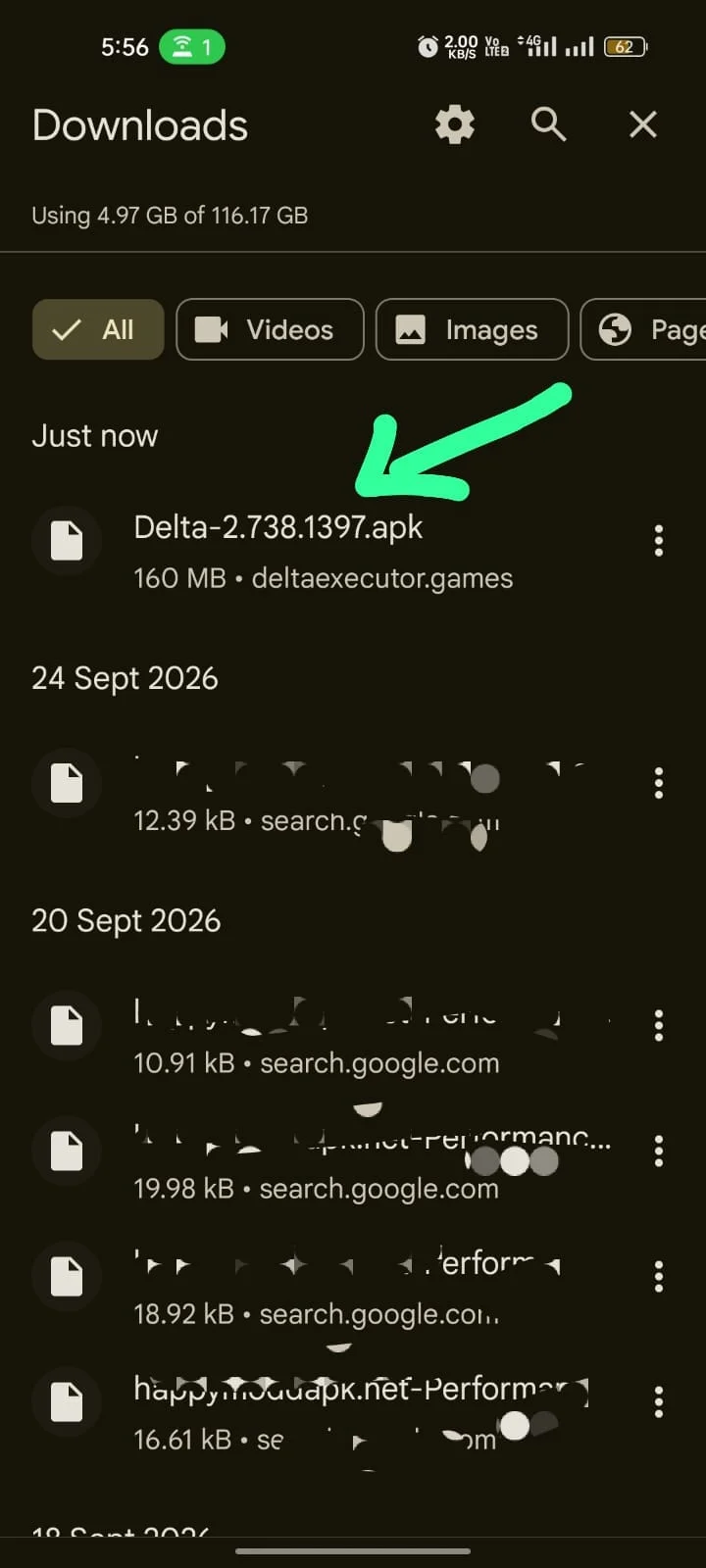
- Install it in the emulator. Use the emulator’s APK-install option, or drag the file onto its window.
- Open Delta Executor, sign in to Roblox and join a game.
- Enter the key when the prompt appears.
Delta Executor runs the Roblox client it carries, so no second Roblox app is needed. If Delta Executor opens but no script runs, the Delta Executor not working fixes cover it.
Delta Executor PC Requirements and Virtualization
The emulator route runs on a 64-bit Windows PC with hardware virtualization — a CPU feature that lets the emulator run Android at usable speed — turned on. Without it, an emulator can fail to start or run slowly.
To check, open Task Manager, select Performance, then CPU: the panel reads “Virtualization: Enabled” when it is on. When it reads Disabled, restart into the BIOS or UEFI settings and enable Intel Virtualization Technology (VT-x) or AMD-V; the menu location differs by motherboard maker. An emulator that will not start, or that lags badly, points here first.
When the emulator and Roblox lag together with virtualization on, raise the memory allocation in the emulator’s settings. The system requirements table lists what Windows needs to run the emulator route.
What to Do When Windows Security Blocks a Delta Executor Download
A Windows file that Windows Security flags or blocks is not a supported Delta release, because no Windows version is supported: PC use means the Android app in an emulator. Delete such a file instead of excluding it. The how to spot a fake Delta download explains how to spot a fake download.
Delta Executor Key on PC
Yes. On first launch the emulator shows the same key prompt a phone does, and it is its own prompt, so request the key there whether or not a phone already holds one. Getting one is covered in the 24-hour key walkthrough.
How to Check the Delta Executor File on Windows
On Windows, the file is checked with a SHA256 hash — a fingerprint computed from the file’s exact bytes — compared with the value published by whoever serves the file. The emulator route runs the Android APK, so the Android version’s fingerprint is the one that counts, and the hash to compare against sits with the file’s other details on the published SHA256 of the Android APK.
PowerShell computes the local one with Get-FileHash <path to the file> -Algorithm SHA256. A match ties the local file to the published one; it does not describe the file’s behaviour or the account’s exposure.
Searching the emulator’s Play Store for the name returns listings that are not the executor — script-reference guides, calculators and console-emulation apps among them. Installing one adds an unrelated app and no executor.
File risk and account risk are separate questions. Roblox can terminate an account that runs an executor; an alternate account only limits what is lost.