
Delta Executor Mac: Download & Install via Emulator (2026)
On a Mac, Delta Executor runs inside an Android emulator that matches the Mac’s chip: the APK, Android’s app package, installs in the emulator, and the same key applies. This is the only installable route — no separate macOS installer exists to verify.
Also available:

Is There a Delta Executor Download for Mac?
A native macOS version of Delta Executor is in development and has no release, so the emulator route below is the only working method on a Mac. Refuse any file presenting itself as a macOS installer for Delta Executor: a .dmg carrying that name has no published hash to check it against, so don’t open it, and delete one that’s already downloaded rather than running it. The Gatekeeper prompt such a file triggers is macOS’s own check on where the file came from; approving it removes that check for the file and does not confirm the file is safe.
Which Android Emulator Does Your Mac Need?
The Mac’s chip decides the emulator. Open the Apple menu, select About This Mac, and read the chip line: Apple Silicon Macs list M1, M2, M3 or M4, and Intel Macs list Intel. The emulators for the two chips are separate downloads, so the chip is settled before anything is downloaded.
| Mac chip | Details |
|---|---|
| Apple Silicon (M1–M4) | Emulator built for it: MuMu Player Pro or BlueStacks Air If the other version is installed: Classic BlueStacks 5 targets Intel Macs and is not the matched version |
| Intel | Emulator built for it: Classic BlueStacks 5 If the other version is installed: The two Apple Silicon emulators require that chip and do not run |
How to Install Delta Executor on Mac With an Emulator
Inside the emulator, the APK installs like any Android app; macOS does not run it directly.
- Check the chip in About This Mac.
- Install the matching emulator from the table above, and let its first launch finish building the Android environment before the APK goes in.
- Approve the emulator installer if macOS blocks it — the next section covers the prompt.
- Save the APK from the button at the top.
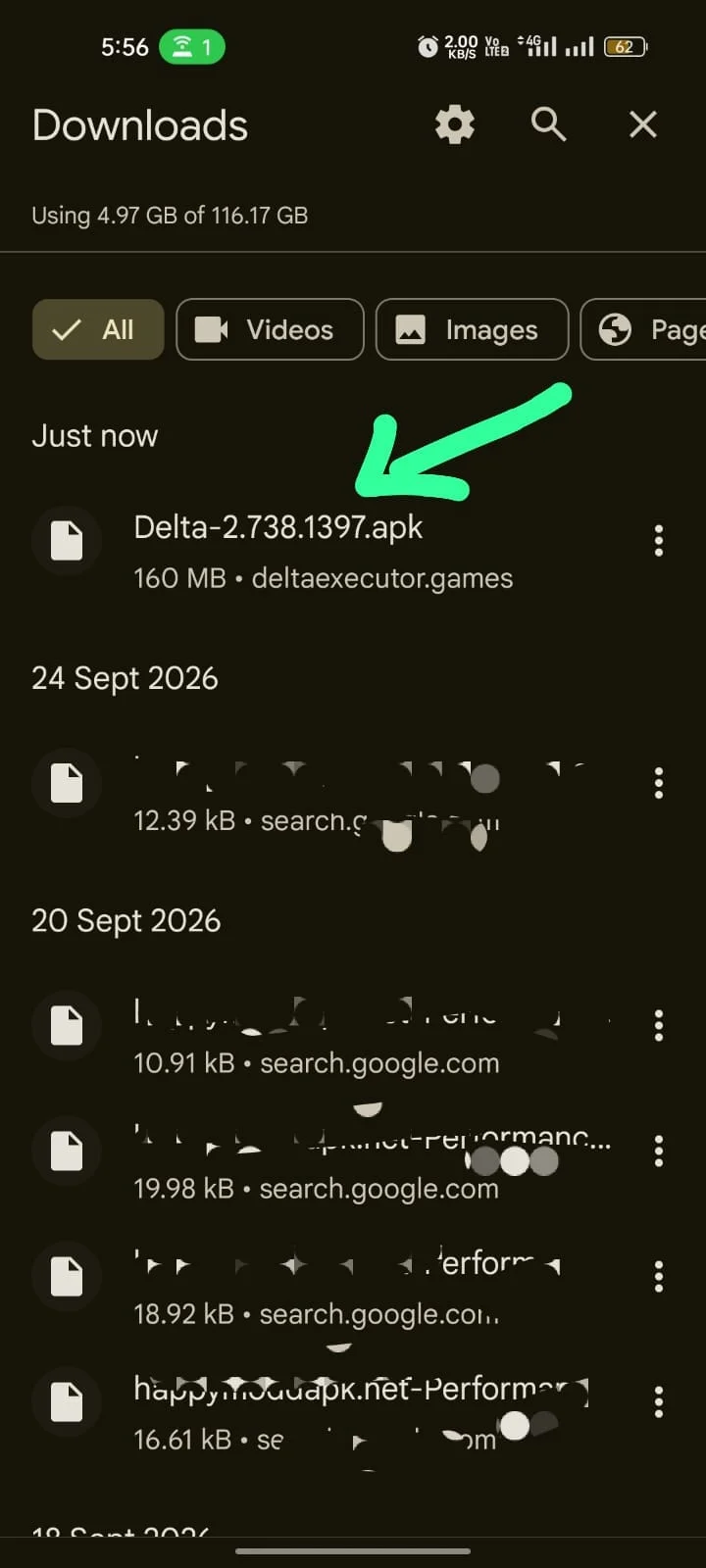
- Install the APK in the emulator by dragging the file onto the emulator window or using the installer function the emulator provides for APK files.
- Open Delta Executor, sign in to Roblox and join a game. Remove any Roblox app already in the emulator first: the APK is itself a Roblox client under Roblox’s own package name, so the two cannot coexist.
- Enter the key at the prompt.
The Roblox client inside the APK is the Android client, so it draws the mobile interface on a Mac; that is expected. When Delta Executor opens but no script runs, the not-working guide’s script and launch fixes handle that case.
What to Do When macOS Blocks the Emulator Installer
Gatekeeper — the macOS check that verifies where an app came from — asks for confirmation on any app downloaded from the internet and blocks an app whose developer it cannot identify or that lacks Apple’s notarization. When it blocks an emulator installer, the way through on macOS Ventura and later is System Settings → Privacy & Security, then the Security section, where Open Anyway sits next to the blocked-app message; earlier releases show the same screen in System Preferences. Open the installer again and choose Open when macOS asks. The approval covers that one app.
The Terminal command sudo spctl --master-disable switches Gatekeeper off for the whole Mac, and the emulator install does not need it.
Does the Delta Executor Key Work on a Mac?
Yes. The emulator shows the same key prompt a phone does, on first launch. Request the key inside the emulator, even when a phone already has one. The Delta key steps cover getting one.
How to Verify the Delta Executor File on macOS
A file is checked with its SHA256 hash — a short code derived from every byte of the file — set against the value published where the file is served. Because the emulator runs the Android APK, the Android version’s code is the one that decides, and the hash of the Android APK lists that code beside the file details.
Terminal computes the local one with shasum -a 256 <path to the file>. A match confirms the local file equals the published one; behaviour and account risk sit outside what a hash can show.
A Mac App Store listing that carries the name is a different product — an iPad app that the store lists for Apple Silicon Macs — and installing it does not install the executor. Play Store listings with the name are separate products too.
Running an executor puts the Roblox account at risk of termination, and an alternate account caps the loss without shielding anything. Termination risk and file risk are both set out in what running an executor risks for your account.