Delta Executor APK v2.743: Download for Android 8.0+ (2026)
The Delta Executor APK is a free Android version of the Roblox script executor. It installs by sideloading — installing an app from outside Google Play — in 4 steps, and a 24-hour key enables script execution after the first launch.
Also available:
Delta Executor APK File Details
| Platform | Android |
| Price | Free |
| Install method | sideloaded APK file |
| File | Delta-2.743.1136.apk, 159.8 MB, version 2.743.1136 |
| SHA256 | fdb861bea54e5dd3f6de0542369d5a45498d6e65c6dfaf7d60bf1bde5314cce0 |
| VirusTotal report | report for this file |
| Access | 24-hour key, or Delta Premium to remove it |
How to Install Delta Executor APK on Android
Installing takes 4 steps: download the file, allow installs from unknown sources, tap the APK, and open the app.
- Download the APK with the button above. Delete an installed Roblox app or an older Delta version first: the APK is itself a Roblox client, so it cannot sit beside another copy.
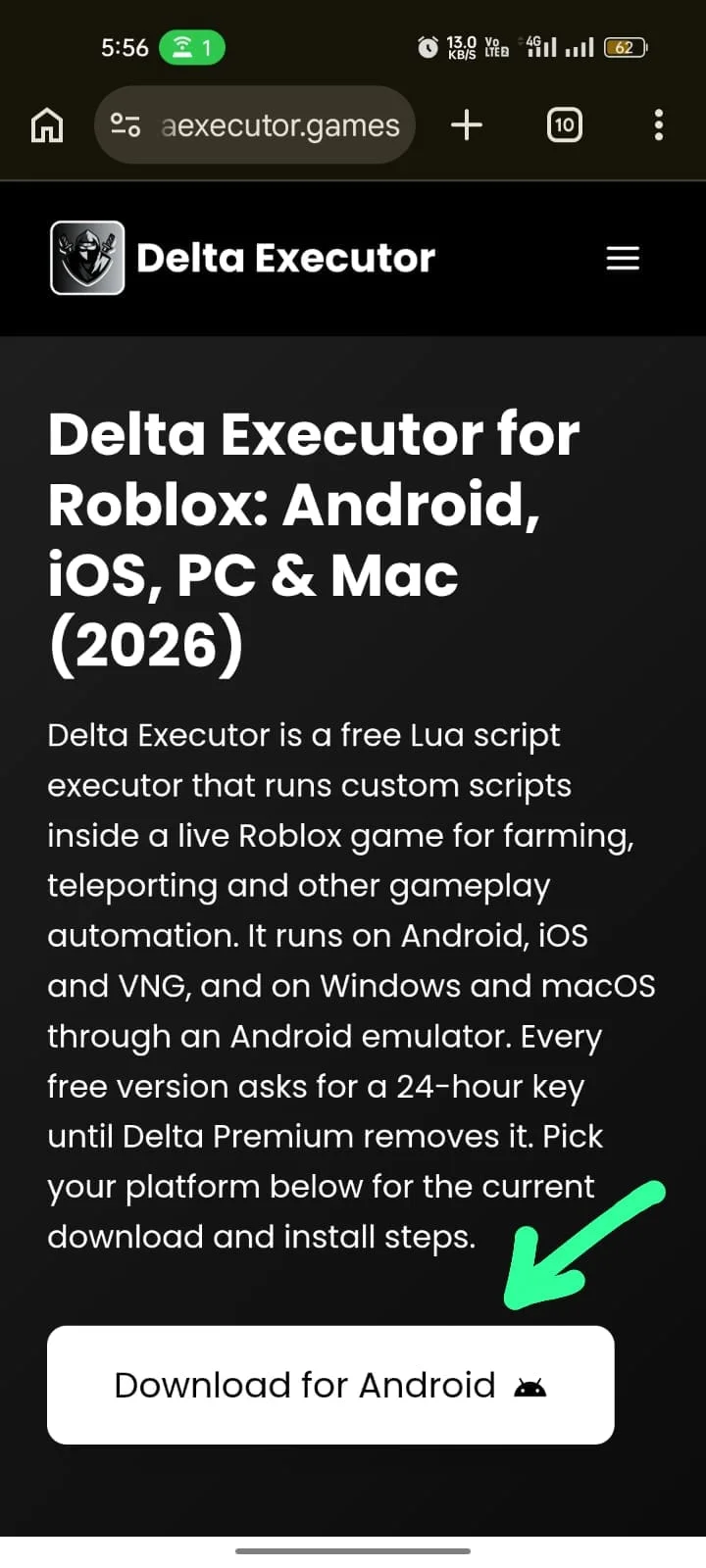
- Allow installs from unknown sources. The file needs Android 8.0 or later, where this is a per-app setting: open Settings > Apps > Special app access > Install unknown apps, pick the app that will open the file, and switch it on. Chrome shows this step as a prompt, “For your security, your phone currently isn’t allowed to install unknown apps from this source. You can change this in Settings”: tap Settings and switch on “Allow apps from this source”. The permission attaches to the app that launches the installer — the browser or a file manager, whichever you tap the APK from — not to the phone as a whole.
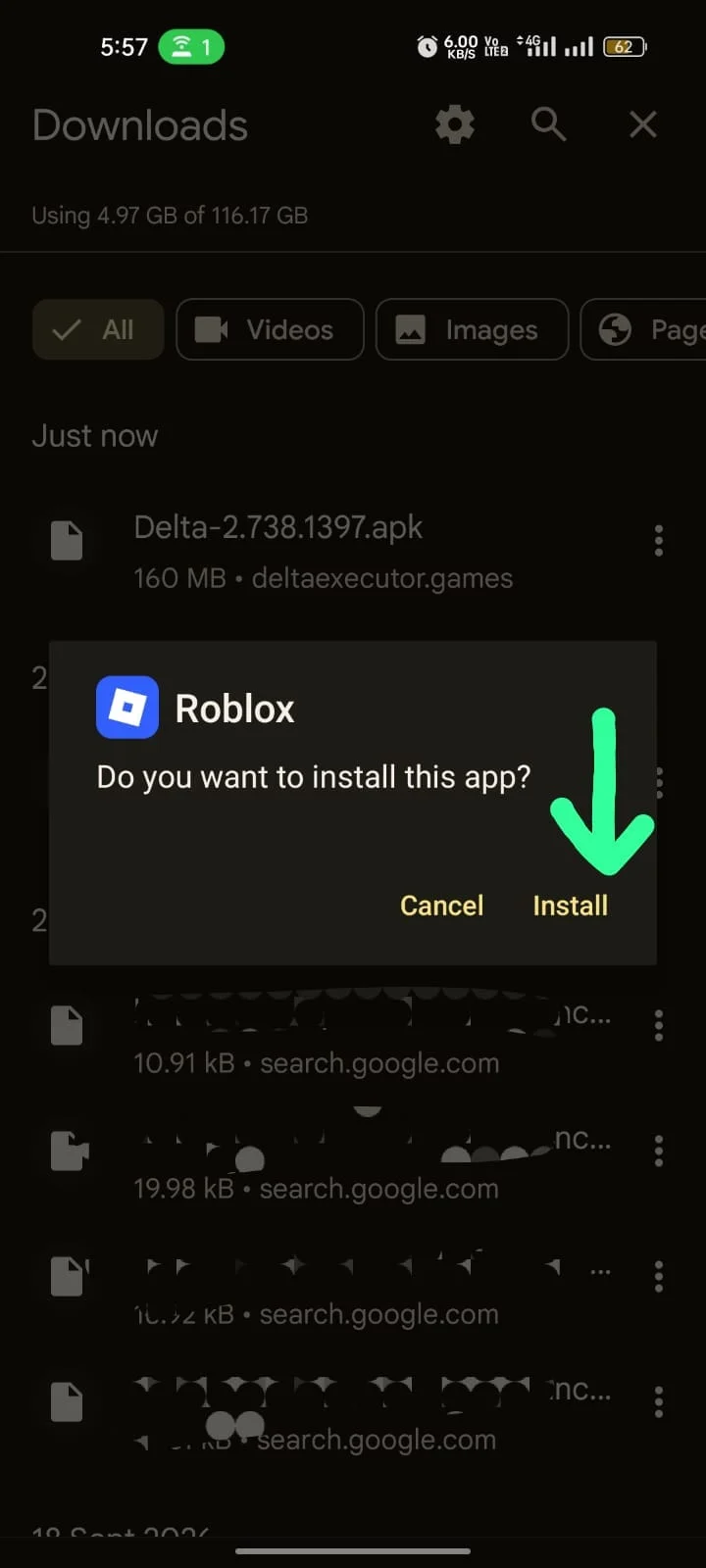
- Tap the downloaded file and select Install. The installer asks “Do you want to install this app?”; choose Install. Play Protect can step in first: it can ask to scan an app it has not seen before, or block the file. A block reads “Harmful app blocked”, “This app is fake. It tries to take over your device or steal your data”, with an “Install anyway” link and an OK button. That wording is Play Protect’s own judgement of how the file looks to it, so compare the file’s hash with the one above first. “Install anyway” continues the install and OK cancels it.
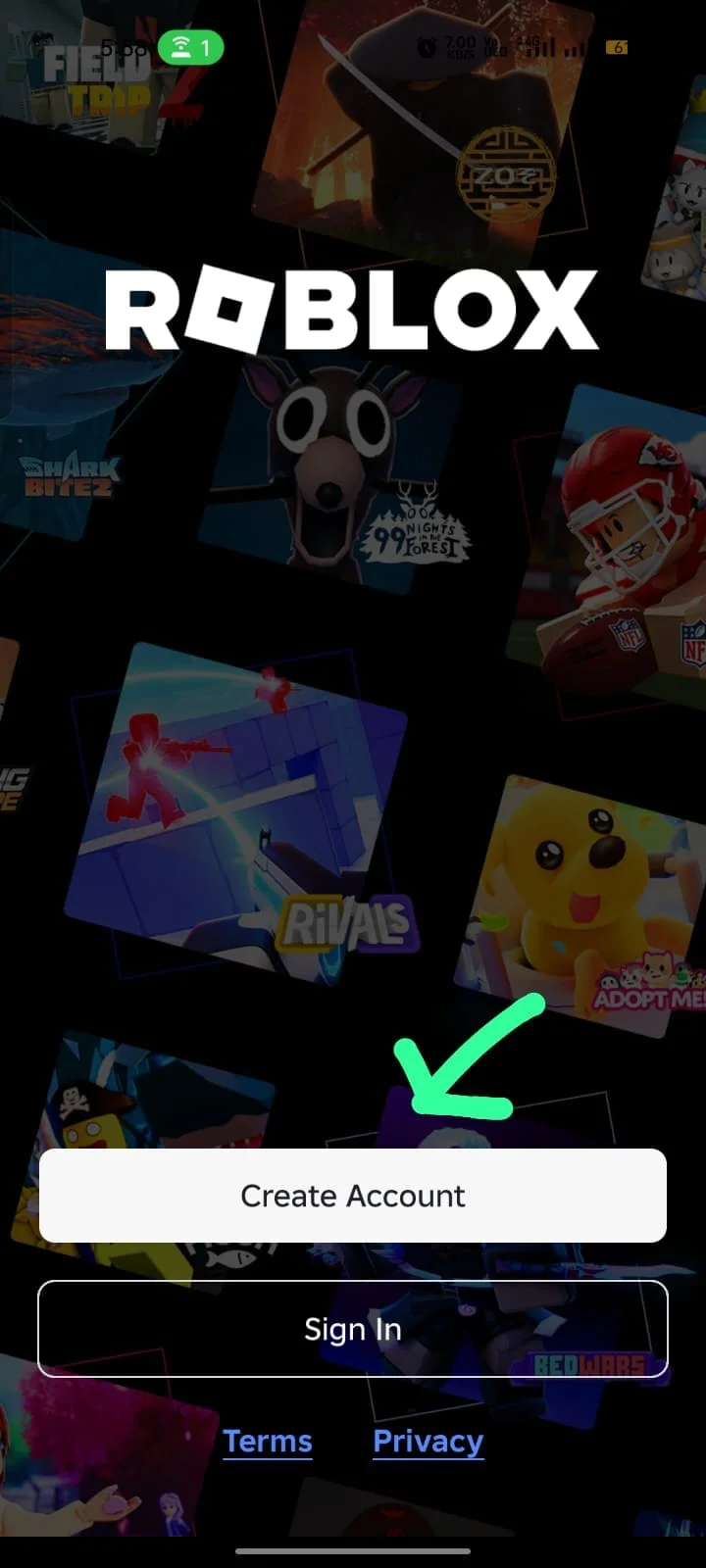
- Open Delta Executor and review the permissions it requests. Launch any Roblox game and the key prompt appears; the key lasts 24 hours. The 24-hour key walkthrough covers getting one, and running your first script covers the step after.
Where the unknown-sources setting sits on other skins: Samsung One UI, Settings > Apps > [browser or file app] > Install unknown apps; Xiaomi HyperOS, Settings > Apps > Permissions > Install via unknown sources; OnePlus OxygenOS follows the stock path; Realme UI, Settings > Additional Settings > Privacy > Special app access > Install unknown apps.
Does the Delta Executor APK Work on 32-Bit and 64-Bit Phones?
Only 64-bit phones. The APK carries 64-bit (ARM64) code and no 32-bit code, so a 32-bit phone cannot run it and shows “App not compatible with device”; the remedy is a newer version, and no second file covers 32-bit devices. The install errors and crash fixes cover the other install errors.
Is Delta Executor on Google Play?
No. Delta Executor installs as an APK from outside the store, and Google Play listings that carry the name are different products: retro-console emulators, script-guide libraries, reward and quiz hubs, and AI code generators are among them. None of these is the Roblox script executor, and installing one does not install it.
A listing that describes emulation, guides, rewards or code generation is one of those products, and its rating and download count measure that product, not the executor. The executor is the sideloaded APK.
Is the Delta Executor APK Safe to Download?
The file’s safety is settled by checking the file, not by the warnings around it. The browser warns that an APK can harm a device, and Play Protect can ask to scan an unknown app or block one it judges fake or harmful. A warning does not say what is inside the file, and its absence does not either: the hash and the VirusTotal report do.
A SHA256 hash — a digital fingerprint for a file — confirms a download matches the published original. Hash the downloaded file with a hash tool (Get-FileHash in Windows PowerShell after copying the file to a PC) and compare the result with the SHA256 in the file details above; a different result marks the file as altered or as another release. The VirusTotal report linked in the file details is for this same hash.
A clean file leaves the account risk untouched. Roblox’s rules prohibit running an executor, and Roblox can terminate the account; scripts belong on an alternate account, which limits what is lost without protecting it. The Delta Executor APK safety analysis covers both risks.
Delta Executor APK System Requirements
The APK requires Android 8.0 or later and a 64-bit ARM phone or tablet; the system requirements table sets that beside the other platforms. The APK is a Roblox client with Delta built in, so a phone that cannot run current Roblox cannot run the executor either.